

ProCat Solutions
The 24-hour window: WhatsApp Business API in an omnichannel support desk
The WhatsApp Cloud API from a developer's seat: templates and approval, the 24-hour window, webhooks, a shared inbox with SMS and voice, chatbots and GDPR.
When a customer messages a business on WhatsApp, the business has 24 hours to reply with whatever free text it likes. After that, only a pre-approved template can go out. That rule shapes almost every detail of an integration built on the WhatsApp Business Platform Cloud API. After voice and SMS, WhatsApp is the third channel we have built into our customer support systems. Below: how the API works from a developer’s point of view, where the pitfalls are, and how we fitted it into a system where the customer sees calls, SMS and WhatsApp messages on a single screen.
What the Cloud API gives you
The Cloud API is an HTTP interface. You send a message with a POST request and receive incoming messages and status changes over a webhook. There is no client that needs its own server, and no phone running WhatsApp. Compared with the earlier on-premise solutions, that is a big step forward.
In return, you have to accept a few things:
- the phone number is tied to a WhatsApp Business account, and verifying the account (business details, display name) can take days,
- the platform rules are strict: unsolicited messages are not allowed, and user reports degrade the number’s quality rating, which leads to sending limits,
- the API is versioned and changes regularly, so we pin the version explicitly and schedule upgrades deliberately.
Sessions and templates
WhatsApp distinguishes between two message types. This is the single most important concept in the whole integration.
Session message. If the user writes to us, we can reply with any free-form text within 24 hours. The window restarts with every incoming message.
Template message. Outside the window, or when we start the conversation, only a pre-approved template can be sent. Templates can contain variables (name, appointment, order number), but their structure is approved by the platform, by category (transactional, marketing, authentication).
So the system has to record when the last incoming message arrived in each conversation, and decide before sending whether free text is allowed or a template is required. We handle this in the sending layer. The application “sends a message”; the layer checks whether it falls inside the window. If not, it maps the message to the appropriate template or rejects the send with a meaningful error.
Template approval is a workflow of its own. Rejections are not always explained in detail, so we keep templates simple and unambiguous, and put marketing-style copy in its own category.
The most critical endpoint
Incoming messages, delivery statuses and read receipts all arrive on the same webhook endpoint. We stick to a few rules here:
- we verify the webhook signature (HMAC) on every request and drop anything unauthenticated,
- the endpoint replies 200 immediately and queues the processing; if processing is slow, the platform retries and duplicates appear,
- processing is idempotent on the message ID, because retries happen regardless,
- status updates (sent, delivered, read) are not guaranteed to arrive in order, so the status only ever moves “forward”.
If the webhook endpoint goes down, customer messages are lost or delayed. It is the most critical entry point in the system. We monitor it separately and log the raw incoming events before any processing.
One inbox, three channels
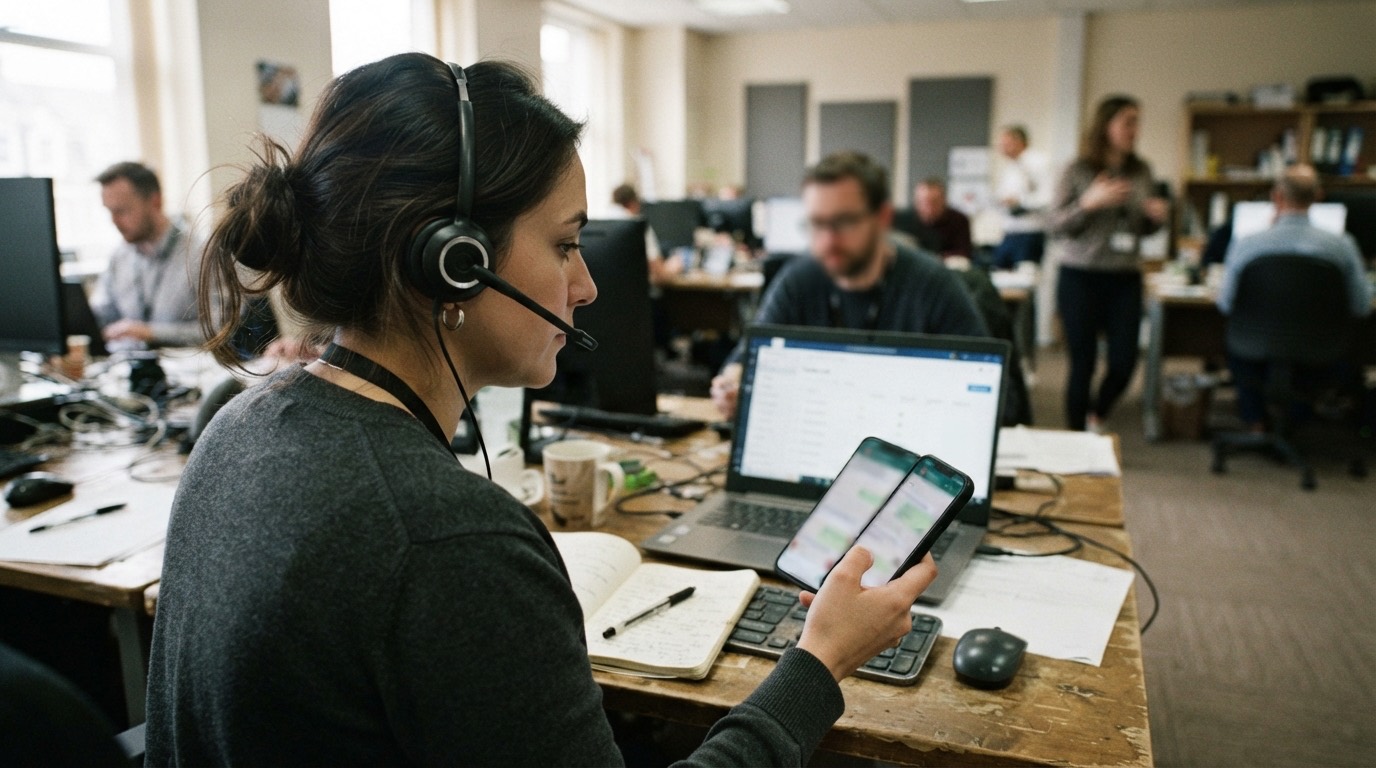
From the support desk’s point of view, WhatsApp is one more channel to the same customer. The goal is a unified inbox: a call, an SMS and a WhatsApp message appearing one after another on a single customer timeline.
That takes a channel-agnostic event model. Every interaction belongs to a conversation, tied together by the customer’s identifier (typically the phone number). The event type (inbound call, outbound SMS, WhatsApp message) is just an attribute. Agents therefore see a single list, and the system suggests the reply channel. If the customer wrote on WhatsApp and the window is open, we reply there. If it has expired, the system offers an SMS or a template.
The same architecture makes chatbot flows possible. Automated replies (opening hours, appointment booking, status lookups) run as a simple state machine over the conversation. When the bot gets stuck, it hands the conversation to an agent with the full history. Bot and human work on the same event model, so the handover loses no data.
GDPR
A WhatsApp integration processes personal data: phone numbers, names, message content. On every rollout we settle with the client:
- the legal basis for processing (typically performance of a contract or consent), and how users can opt out,
- the retention period: we do not keep messages forever, and deletion is automatic and logged,
- the data processing agreement with the platform operator, and the fact that content also passes through the platform’s servers,
- that stored data stays on servers inside the EU, encrypted, with access logging.
The technical side is simple. The regulatory side is what takes time, so it has to be dealt with at the start of the project. The week before launch is too late.
Building omnichannel support made it increasingly clear to us that the next step is deeper automation rather than another channel. We will probably write more about that in the coming months.